Discover a curated collection of cutting-edge AI tools transforming the design landscape. From wireframing to code generation, explore how AI accelerates creativity and efficiency. Perfect for designers, developers, and creators seeking smarter ways to bring ideas to life.


Bolt AI is an AI-powered builder that converts Figma designs into production-ready React/Next.js/HTML/CSS code. It uses generative AI to interpret UI and instantly generate code snippets.
Ideal for frontend devs and designers who want fast prototyping or instant code export from Figma without writing boilerplate.
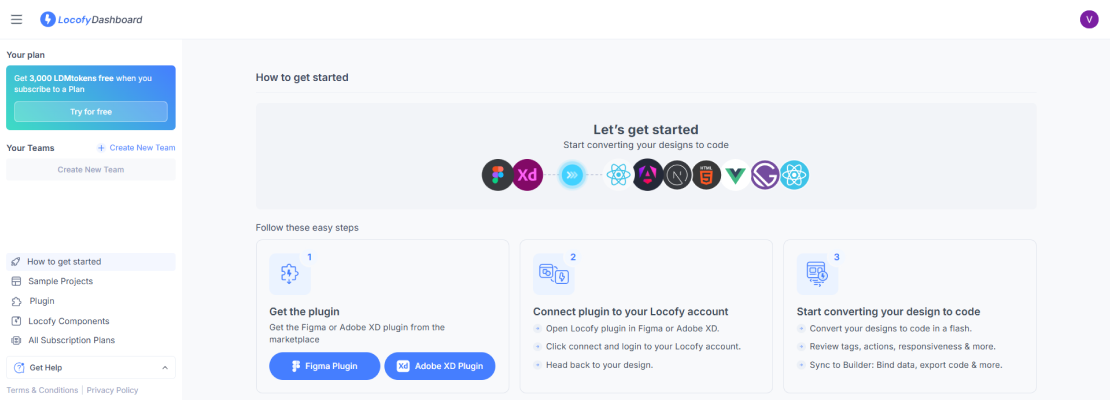
Locofy turns Figma/Adobe XD designs into responsive frontend code in React, React Native, Next.js, Flutter, HTML/CSS, etc.
Used by design-to-code teams for building cross-platform UIs with real responsiveness. Works well in agile sprints for MVPs.

Codia is an AI tool that generates code from plain language or design prompts. It supports creating full-stack applications (frontend + backend).
Best for startups and solo developers looking to go from design to deployable MVP in hours.
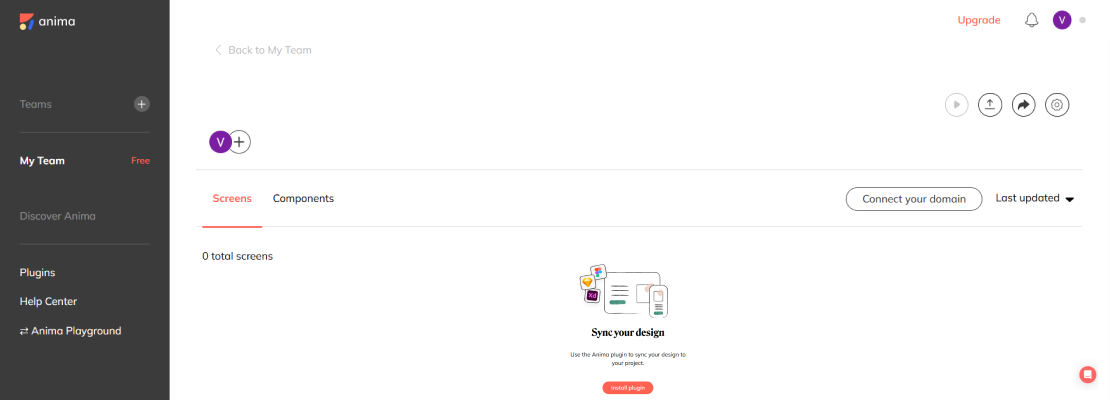
Anima is a Figma plugin and web platform that exports fully responsive HTML, CSS, React code from Figma with interaction and animations preserved.
Perfect for UI/UX designers working on pixel-perfect frontend with interactions, especially for design presentations and production-ready handoffs.
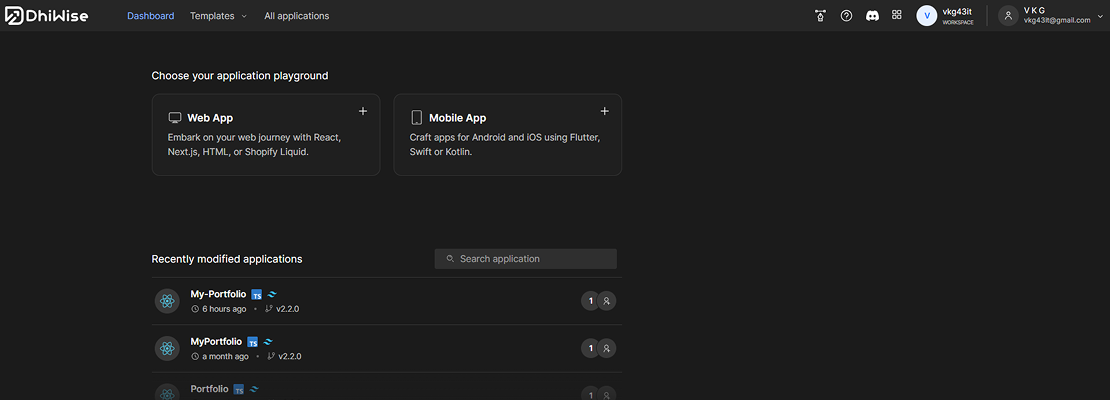
DhiWise is an advanced code automation tool that converts UI/UX designs into full-stack Flutter, React, and iOS codebases, including logic, APIs, and navigation.
Great for enterprise-grade apps and rapid mobile/web app development with dynamic data flows.
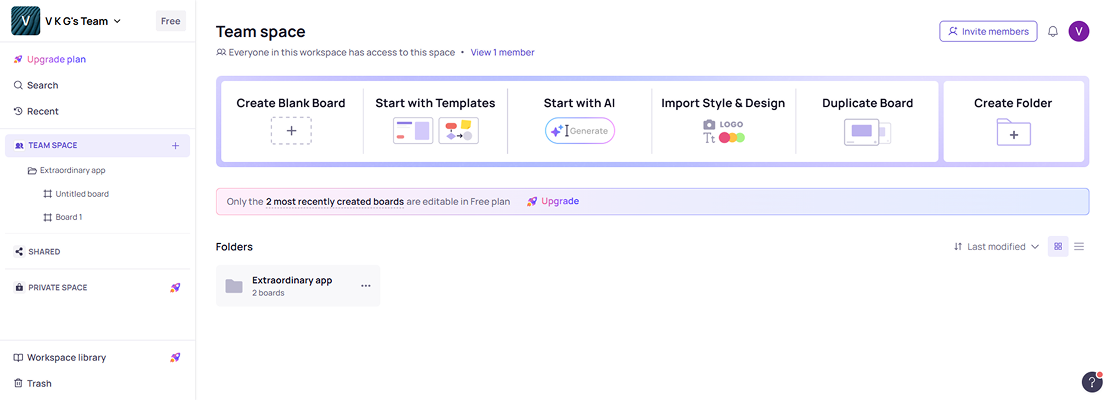
Visily is an AI-powered design tool that allows users to create wireframes and UI mockups using text prompts or screenshots. It's built for non-designers but powerful enough for product teams.
Useful for product managers, startups, and UX teams needing fast concept validation or user flow mapping without advanced design knowledge.
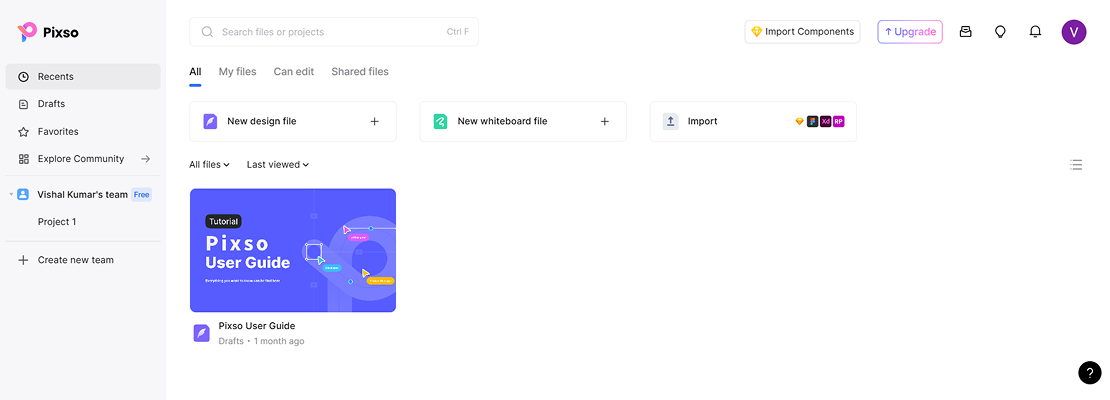
Pixso is a collaborative design tool like Figma, aimed at UX/UI design, wireframing, and prototyping.
Great for teams who want an alternative to Figma with collaboration, or individuals working on full-fledged design systems.
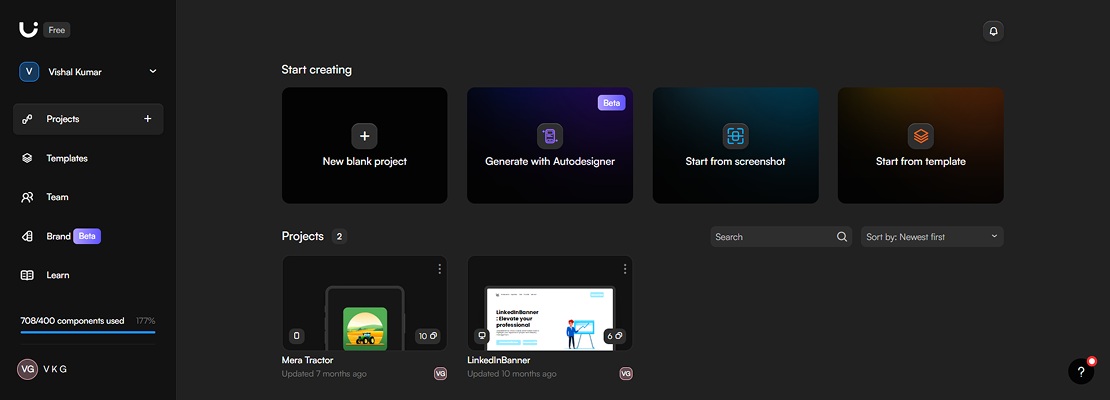
Uizard lets you design apps, websites, and mockups using AI from sketches, screenshots, or prompts.
Perfect for rapid prototyping or turning rough ideas into shareable design mockups quickly.
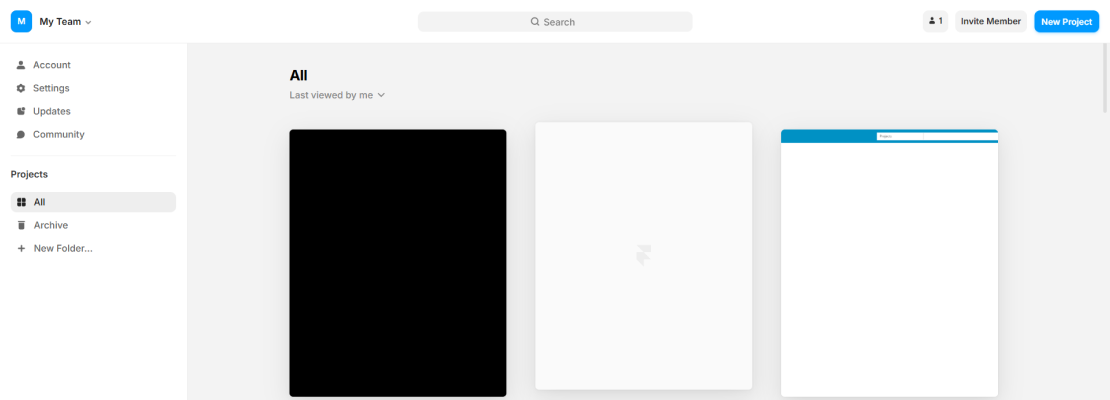
Framer is a real-time, browser-based design and publishing platform that also powers live website deployment with animations and interactivity.
Ideal for designers building interactive websites and landing pages directly from design — especially for portfolios, startups, and marketing.
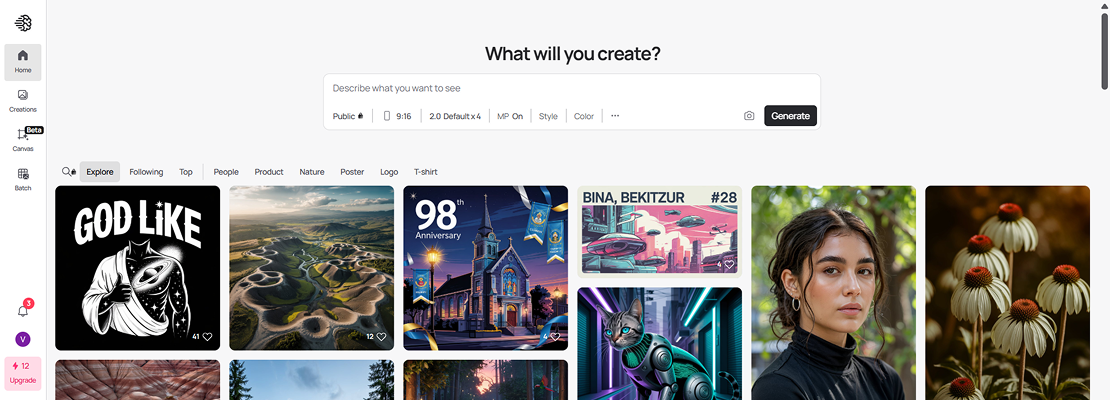
An AI image generation tool focused on creating icons, typographic visuals, and illustrations from prompts.
Ideal for creating branding assets, blog graphics, and quick iconography.
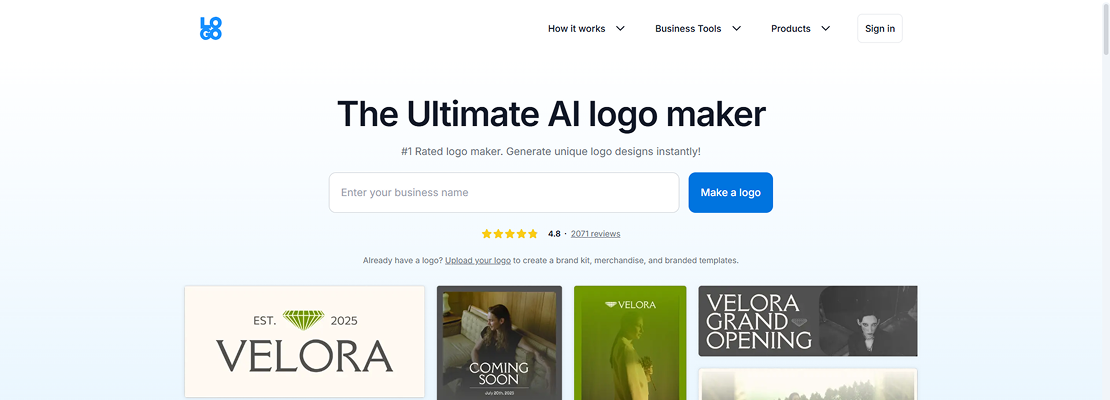
Logo.com is an AI-powered logo generator where users input their brand name and preferences, and the system generates professional logos in seconds.
Great for startups, creators, and small businesses looking for quick brand identity creation without a graphic designer.
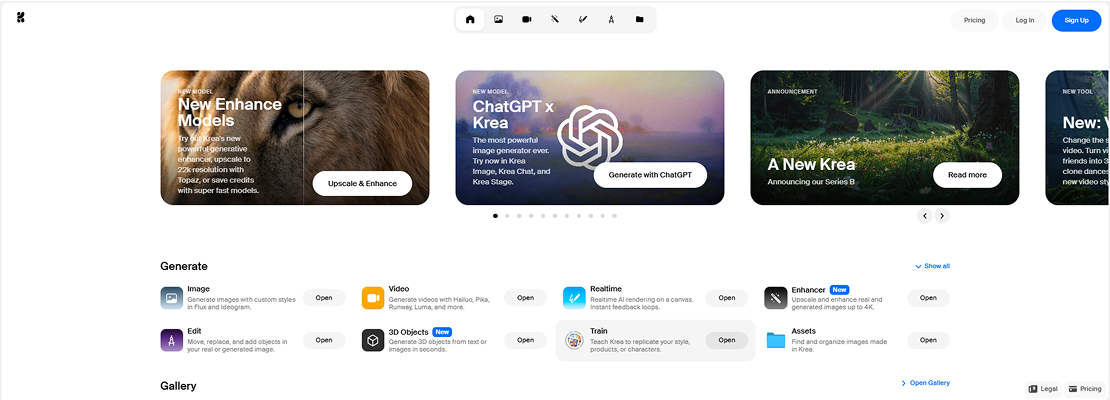
Krea is an AI image generator with a focus on realtime generative visuals. It allows users to sketch or prompt in real-time and see instant visual changes.
Perfect for artists, designers, and visual storytellers needing AI-driven experimentation for moodboards, concept art, or storyboarding.
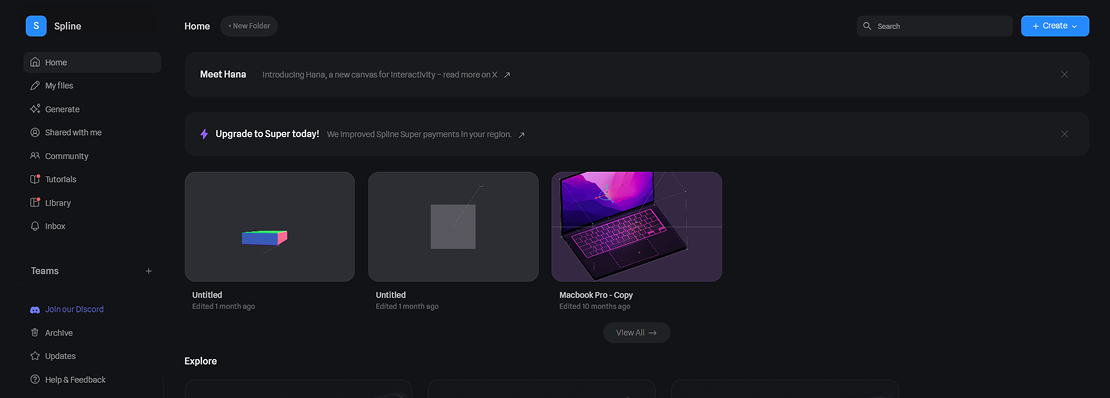
Spline is a 3D design tool for the web that lets you design, animate, and code 3D assets and interactions without needing Blender or complex 3D tools.
Great for product showcases, immersive landing pages, and animated 3D UI elements.
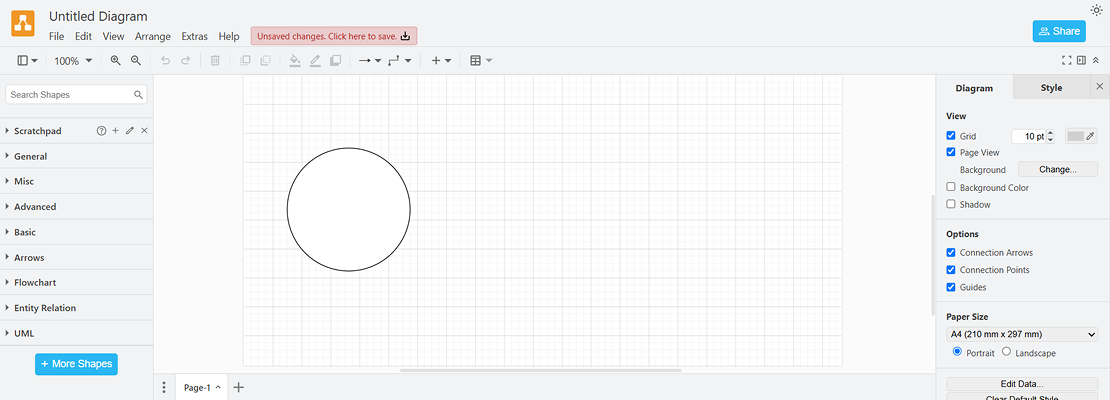
Free and powerful diagramming tool (previously Draw.io) for creating flowcharts, wireframes, and system architectures.
Essential for designers, developers, or managers planning architecture, user flows, or app logic.
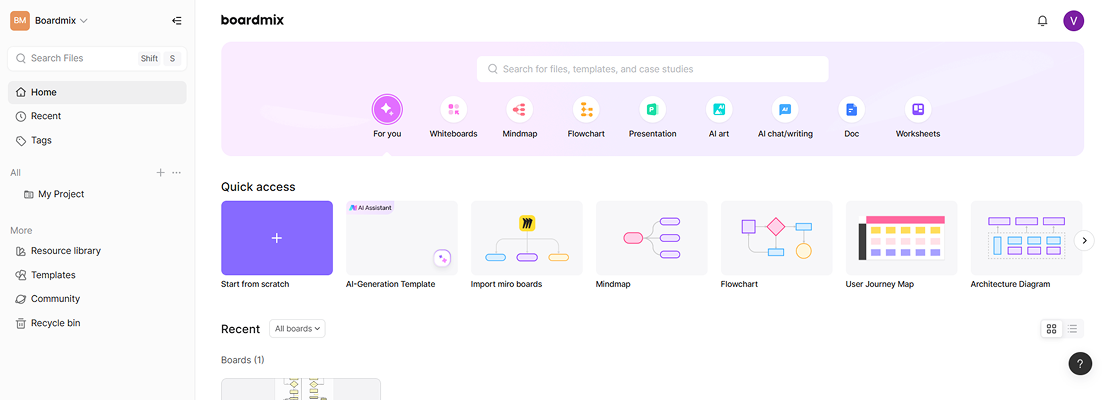
Boardmix is a collaborative whiteboarding tool with diagramming, mind-mapping, and sticky note capabilities for brainstorming and project planning.
Best for workshops, remote team planning, UX strategy discussions, and client presentations.
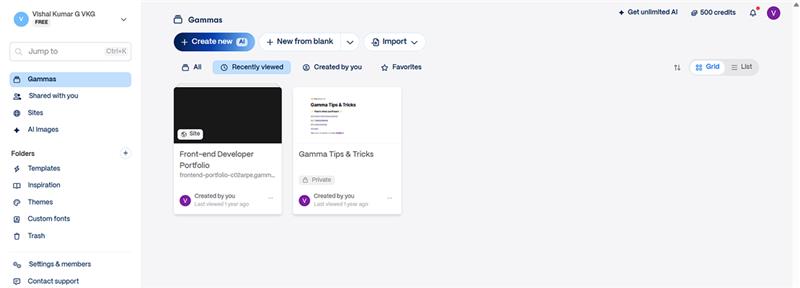
Gamma is an AI-powered tool to create beautiful presentations, documents, and web pages with minimal effort — like a hybrid of Notion, PowerPoint, and Canva.
Ideal for UX case studies, product storytelling, pitch decks, or portfolio storytelling.
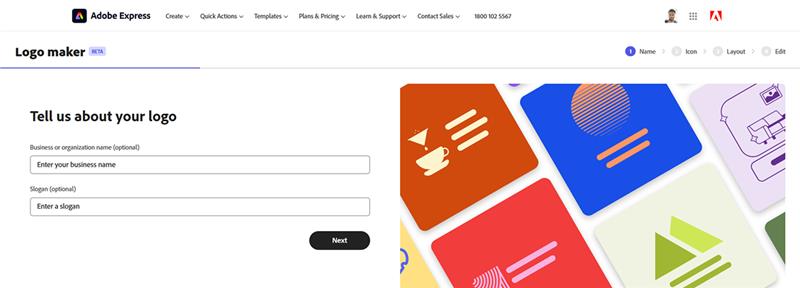
Adobe’s logo maker tool creates quick, customizable logos using AI and templates.
Perfect for bootstrapping logos or social-ready assets for projects, startups, or portfolios.
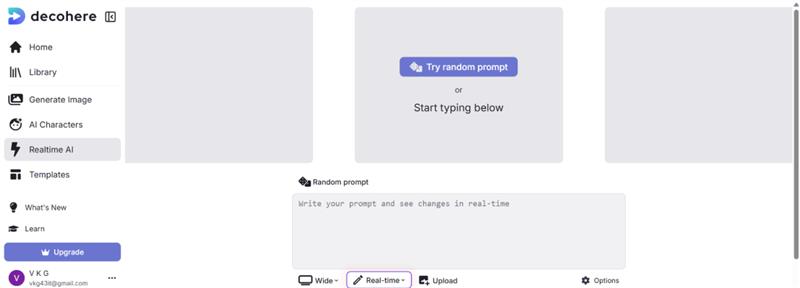
Decoherence allows you to create AI-generated videos and visuals based on audio and prompts.
Useful for motion-driven branding visuals or background content for portfolio projects.
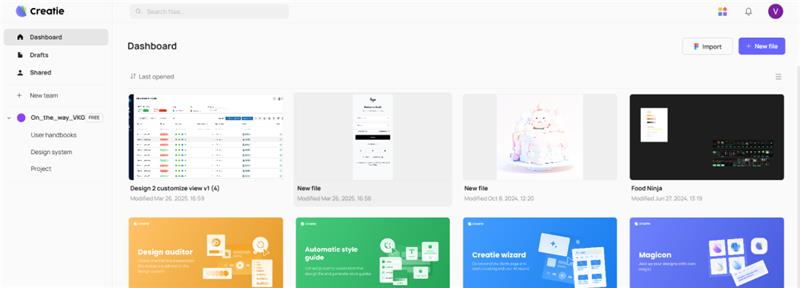
AI design tool that can generate UI components from text or Figma/XD imports and even export front-end code.
Ideal for rapid prototyping, turning ideas into production-ready code.
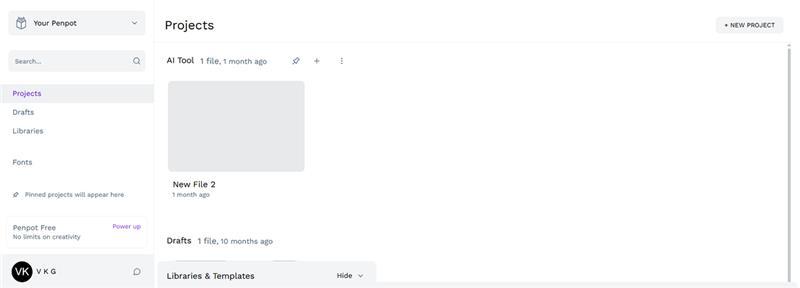
Open-source UI/UX design tool for teams. Similar to Figma but self-hosted and team-friendly.
Good for developers/designers who want control over their toolset and prefer open-source platforms.
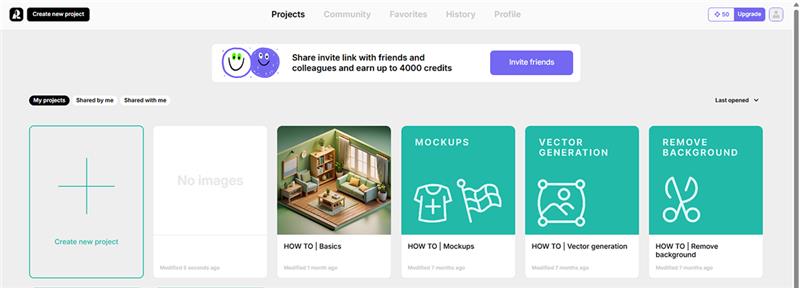
Recraft is an AI tool for generating vector icons, illustrations, and UI art from text prompts.
Ideal for crafting unique branding visuals, infographics, or theme icons for products or portfolios.
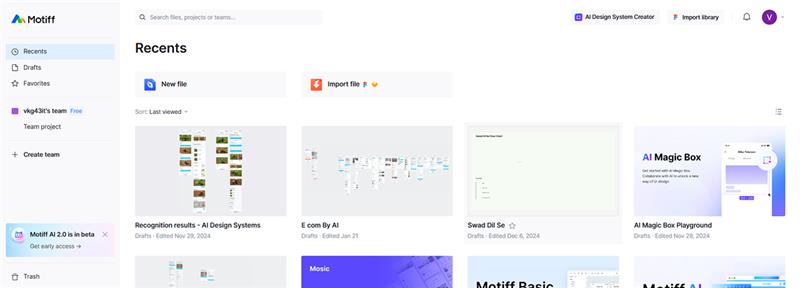
Design system creation and AI-powered UI prototyping platform that helps convert wireframes to production-ready components.
Perfect for teams setting up scalable design systems and fast design-to-code transitions.
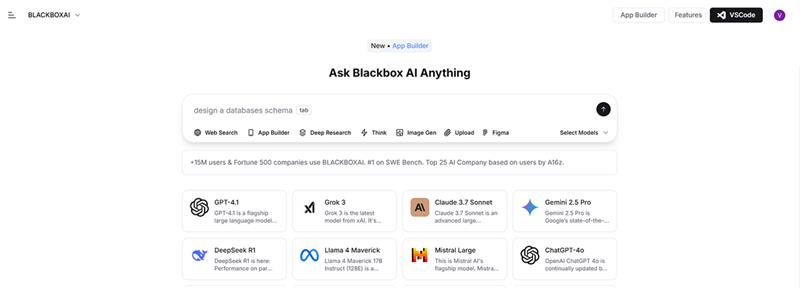
AI-powered code assistant similar to GitHub Copilot. Generates code snippets, explanations, and handles UI queries.
Helpful for developers speeding up UI code implementation or integrating designs into live code.
Interested in collaborating or just want to say hi? Drop me a message at my email id or connect with me on linked In. I cannot wait to hear from you!